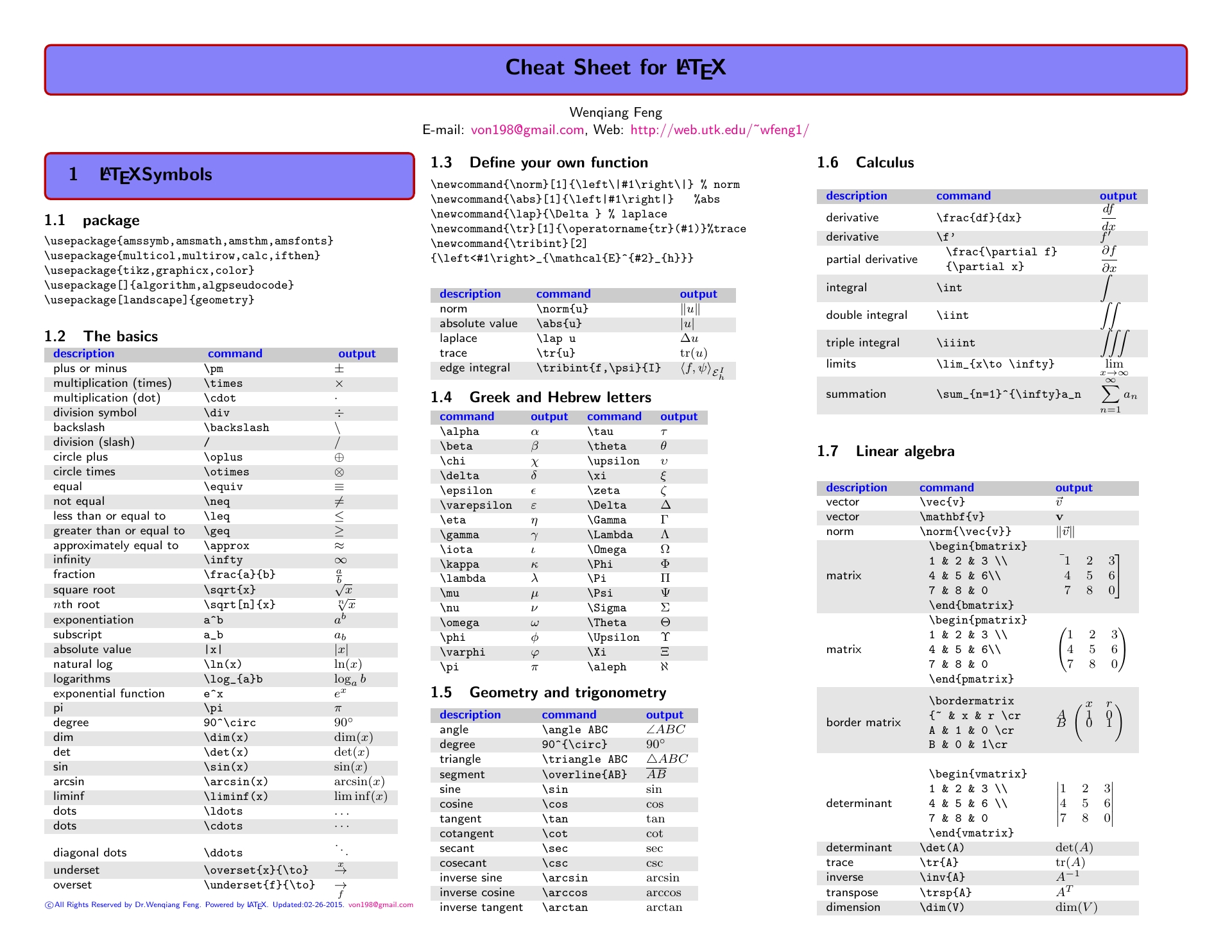

Mastering the art of typesetting mathematical expressions can significantly enhance the clarity and professionalism of your documents. One of the most powerful tools for this purpose is LaTeX, a typesetting system widely used in academia and scientific publishing. LaTeX Space Math is a crucial aspect of LaTeX that allows users to control the spacing around mathematical symbols and expressions, ensuring that your equations are not only correct but also aesthetically pleasing.
Understanding LaTeX Space Math
LaTeX Space Math refers to the various commands and techniques used to manage the spacing within mathematical expressions. Proper spacing is essential for readability and to avoid ambiguity in complex equations. LaTeX provides a range of commands to adjust horizontal and vertical spacing, making it easier to fine-tune the appearance of your mathematical content.
Basic Spacing Commands in LaTeX
LaTeX offers several basic commands for controlling space in mathematical expressions. These commands are essential for ensuring that your equations are well-formatted and easy to read.
- quad: Adds a medium amount of horizontal space.
- qquad: Adds a large amount of horizontal space.
- ,: Adds a small amount of horizontal space.
- !: Adds a negative thin space, useful for reducing space between symbols.
- ; : Adds a medium amount of horizontal space.
- hspace{length}: Adds a specified amount of horizontal space.
- vspace{length}: Adds a specified amount of vertical space.
These commands can be used to adjust the spacing around operators, fractions, and other mathematical symbols. For example, to add a small amount of space between two symbols, you can use the command:
int,dx
This will add a small space between the integral symbol and the differential dx.
Advanced Spacing Techniques
For more complex mathematical expressions, you may need to use advanced spacing techniques. These techniques allow for finer control over the layout of your equations.
Using hspace and vspace
The hspace and vspace commands are powerful tools for adding specific amounts of horizontal and vertical space, respectively. These commands take a length as an argument, which can be specified in various units such as pt, em, or cm.
For example, to add 10 points of horizontal space between two symbols, you can use:
ahspace{10pt}b
Similarly, to add 5 points of vertical space between two lines of an equation, you can use:
avspace{5pt}b
Adjusting Space Around Operators
LaTeX provides commands to adjust the space around specific operators. For example, the mathop command can be used to control the spacing around binary operators.
To adjust the space around a binary operator, you can use:
mathop{ ext{operator}}limits
For example, to adjust the space around the summation symbol, you can use:
mathop{sum}limits
Using kern
The kern command is another powerful tool for adjusting space in LaTeX. It allows you to add or subtract a specified amount of space at any point in your document. The kern command takes a length as an argument, similar to hspace and vspace.
For example, to add 5 points of space between two symbols, you can use:
akern5ptb
To subtract 5 points of space between two symbols, you can use:
akern-5ptb
Common Mistakes in LaTeX Space Math
While LaTeX provides powerful tools for controlling space in mathematical expressions, there are some common mistakes that users often make. Understanding these mistakes can help you avoid them and ensure that your equations are well-formatted.
- Overusing Spacing Commands: Adding too much space can make your equations look cluttered and difficult to read. Use spacing commands judiciously to maintain a clean and professional appearance.
- Inconsistent Spacing: Inconsistent spacing can make your equations look unprofessional. Use a consistent approach to spacing throughout your document to ensure a uniform appearance.
- Ignoring Default Spacing: LaTeX has default spacing rules that are designed to ensure readability. Ignoring these rules can lead to poorly formatted equations. Use spacing commands to fine-tune the appearance of your equations, but avoid overriding the default spacing unless necessary.
By avoiding these common mistakes, you can ensure that your mathematical expressions are well-formatted and easy to read.
Examples of LaTeX Space Math in Action
To illustrate the use of LaTeX Space Math, let’s consider a few examples of mathematical expressions with different spacing techniques.
Example 1: Basic Spacing
Consider the following equation:
int,dx
This equation uses the command to add a small amount of space between the integral symbol and the differential dx.
Example 2: Advanced Spacing
Consider the following equation:
ahspace{10pt}b
This equation uses the hspace command to add 10 points of horizontal space between the symbols a and b.
Example 3: Adjusting Space Around Operators
Consider the following equation:
mathop{sum}limits
This equation uses the mathop command to adjust the space around the summation symbol.
Example 4: Using kern
Consider the following equation:
akern5ptb
This equation uses the kern command to add 5 points of space between the symbols a and b.
💡 Note: When using spacing commands, it's important to test different values to find the optimal spacing for your equations. Experiment with different lengths and commands to achieve the desired appearance.
Best Practices for LaTeX Space Math
To ensure that your mathematical expressions are well-formatted and easy to read, follow these best practices for LaTeX Space Math:
- Use Consistent Spacing: Maintain a consistent approach to spacing throughout your document to ensure a uniform appearance.
- Test Different Values: Experiment with different lengths and commands to find the optimal spacing for your equations.
- Avoid Overusing Spacing Commands: Use spacing commands judiciously to maintain a clean and professional appearance.
- Follow Default Spacing Rules: Use spacing commands to fine-tune the appearance of your equations, but avoid overriding the default spacing unless necessary.
By following these best practices, you can ensure that your mathematical expressions are well-formatted and easy to read.
Conclusion
LaTeX Space Math is a crucial aspect of LaTeX that allows users to control the spacing around mathematical symbols and expressions. By understanding and utilizing the various commands and techniques for LaTeX Space Math, you can ensure that your equations are not only correct but also aesthetically pleasing. Whether you are a student, researcher, or professional, mastering LaTeX Space Math can significantly enhance the clarity and professionalism of your documents. By following best practices and avoiding common mistakes, you can create well-formatted and easy-to-read mathematical expressions that effectively communicate your ideas.
Related Terms:
- space in math mode
- overleaf add space in equation
- overleaf math spacing
- spacing in math mode examples
- space in equation overleaf